Executive Assistants
How to work with an executive assistant? Complete guide
Jan 31, 2024
6 min read



Having an EA is a great productivity asset for startup executives, but if you don’t know how to work with an executive assistant, you’ll underutilize them and miss out on some of their most impactful work. If all you delegate to your EA is calendar management, you’ll never know they are more than capable of putting thorough pre-meeting briefings together or that they could plan and execute impeccable company offsites from beginning to end.
As a remote EA subscription service, we’ve met hundreds of startup executives, and most of them have never had EA support before. A common pattern we’ve seen is that they are unsure what level of support they could expect and what kind of tasks they could delegate to their EAs. If you’re thinking about getting an EA or if you already have one and are struggling to delegate, this guide is what you were looking for.
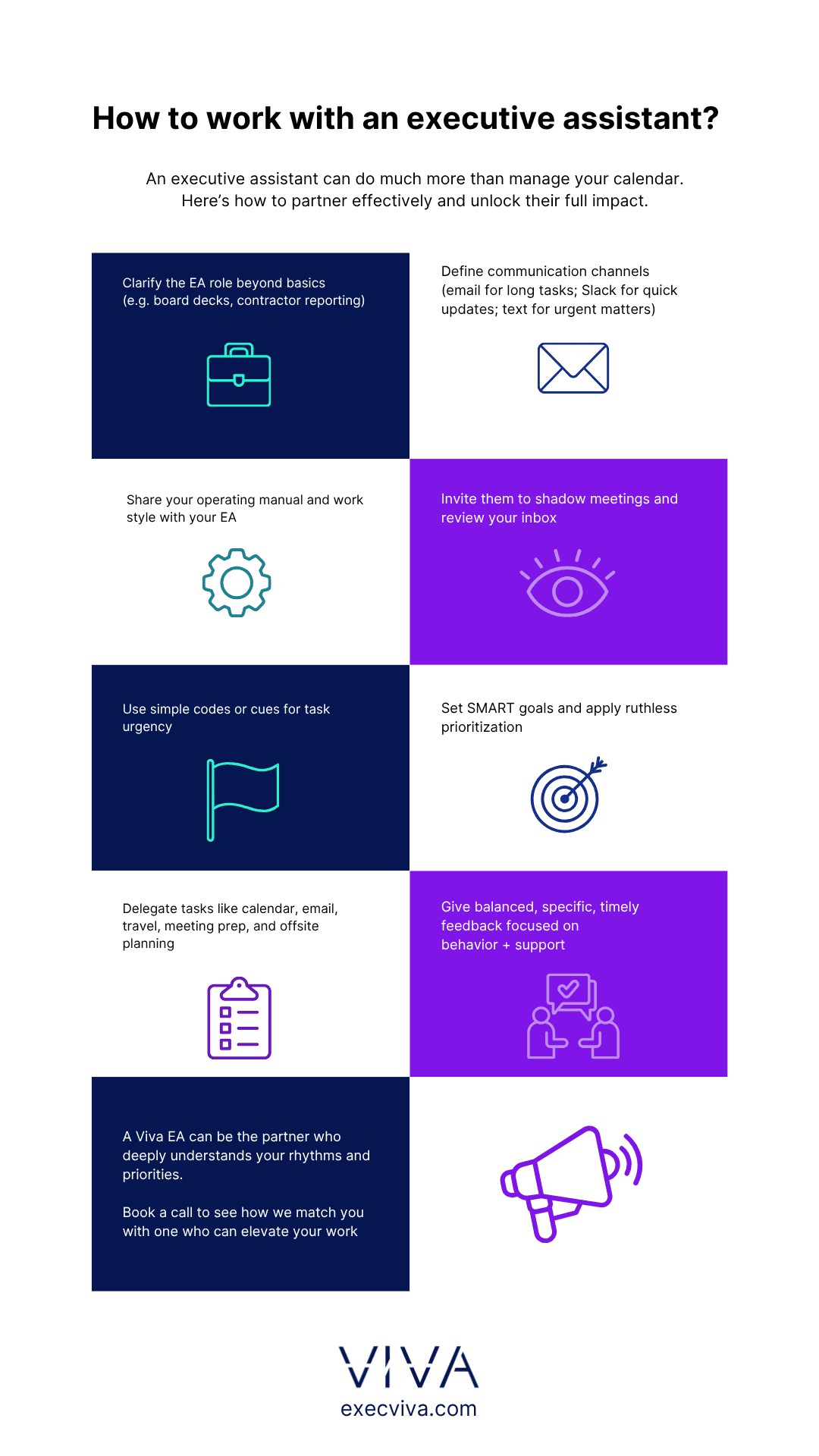
What is the role of an executive assistant?
If you were to look at executive assistant openings, chances are most job descriptions would sound pretty much the same. They will all talk about managing an executive’s calendar and email, planning their work trips, managing their expenses, and so on.
The reality is that the role of an executive assistant exceeds those default tasks, and varies depending on the executive’s specific role. The EA to the CEO might be the point person for drafting a board meeting deck, while the EA to the CFO would focus on handling external contractor billing or putting together financial reports for the team.
Since an EA often supports two executives at the same time, their role can span diverse skill sets, given that their executives can be leaders of completely different areas. The role of an EA is a much more holistic one and has one priority above all else: to make their executives as productive as possible and help them regain control of their professional and personal lives.
Establishing clear communication
The way you communicate with a team member can make or break a working relationship. If you’re unclear when making a request you can create confusion, or if you are too blunt, you may be perceived as rude. That’s why establishing clear communication channels and codes is so important when it comes to your executive assistant.
The first step to a successful partnership between a startup executive and an EA is to have a solid communication strategy. If you don’t know where to start, try this approach.
Communication channels
When it comes to communication channels, make sure your EA knows how to reach you depending on your preferences and the situation at hand. There is no right or wrong answer; in our experience, many executives like to communicate exclusively through Slack, but for others, there’s a clear distinction between mediums. We describe one common approach below. If it sounds reasonable to you, feel free to implement it with your EA:
- Email. Instruct your EA to communicate with you via email whenever there’s a lengthy task at hand. For instance, if you need to fill out an all-hands meeting deck, you want to have the doc in your email to revisit it whenever you have the time for it.
- Slack. Using an instant messaging app like Slack is ideal for quick updates, clarifying any doubts, or answering quick questions (anything sub 2 minutes to respond/review). A good use of it would be for your EA to send an end-of-day (EOD) message with the updates on an ongoing task or to let you know there’s an important email you should address soon.
- Text. Imagine you’re in the middle of a meeting or ready to board a plane and an office emergency arises, one that cannot wait. Have your EA communicate through text (or call) whenever there’s a highly important and urgent matter at hand. The benefit of having a strong EA is they won’t just text you to put a big problem in your hands; they will suggest a solution and possibly even implement it already before even reaching out to you.
Communication strategies
Startup executives don’t have any time to waste. That’s why finding an executive assistant who can read their exec, understand their priorities, and quickly learn to write and even think like them, makes all the difference between a good EA and a great EA. Letting your EA take a sneak peek into your brain will save you an incredible amount of time and cognitive overload. But how to do that?
- Share your operating manual with your EA. Create a manual that helps others understand your preferred way of working. Be as meticulous as you can and include everything from what drives you to how to communicate with you, how you communicate, and what your expectations are. You can even mention personal traits so your EA gets to know you in a broad sense, not just your work preferences.
- Let your EA shadow you. There is no better way to show your EA how you like things done, than by letting them be a part of your day. Invite them to all your 1:1s, team, and company-wide meetings early in the working relationship. By doing so, they will understand your relationship with your direct reports, your leadership style, and your role in the company.
- Have them go through your inbox. If you hire a top performer as your EA, they will get to know you so well that they could fill in for you in almost every scenario: from attending team meetings to interviewing candidates, and even replying to emails on your behalf. But for them to get to know you at such a detailed level, they must know how you would sound, to the smallest nuance of even knowing if you would use an exclamation point or not.
- Create codes to simplify communications. If you let them, your EA will get to know you better than anybody at the company, which means they can know exactly what you need from a succinct request. Our Viva EAs are so connected to their executives, that they have developed a series of codes only the two of them understand and that saves the executive from repeating themselves over and over.
One of our executives created an action-driven code: if he answers an email with his name and nothing else, his EA could assume it’s due within a week. If he adds a single dash (-) by his signature, means a minimum of one week out, and if there were two dashes (–), there was a minimum of two weeks out. - Open up. After you’ve built trust with your EA, let’s say two weeks in the job, let them know you on a personal level. If they understand both your personal and professional priorities they can make sure none of them fall through the cracks. If picking up the kids or going for a run first thing in the morning is important to you, your EA will make sure you also show up to your personal priorities.
Setting goals and priorities
One of the areas of expertise of an executive assistant is to make sure you’re focused on the most impactful work, but if you don’t know how to set goals and priorities for your EA to keep an eye on, there are two important concepts you should get familiar with, SMART goals and ruthless prioritization.
Set SMART goals
Telling your EA that your expectation is for them to “help you grow your social media presence” is too vague. The SMART approach can help; it’s an acronym that stands for five really important aspects of goal-setting:
- Specific
- Measurable
- Achievable
- Relevant
- Time-bound
Going back to the previous example, setting that goal in a smart way would be: My goal is to [strengthen my social media presence] by [3xing my LinkedIn network]. I need my EA to [add ~100 connections every week] and include [experts in my area of expertise]. They will accomplish this goal by [end of quarter].
Ruthless prioritization
The key to prioritize ruthlessly is to be as honest as you can before answering this question: What are the things that only I can do? Sure, you probably can close a sale faster than your sales team. But is that really the best use of your time? Prioritize the things only you can do and delegate anything you can to your executive assistant or other team member.
Delegating tasks efficiently
Make a list of all the ongoing projects you are working on and start delegating to your EA. These are some of the tasks you could start delegating right now:
- Calendar and email management
- Travel and expense reporting
- Meeting support
- Offsite and on-site planning
- Organizing documents and workspaces
Providing constructive feedback
A top executive assistant won’t just be okay with receiving feedback; they’ll ask for it. Constructive feedback will help you and your EA grow and will strengthen your relationship. If you don’t know how to offer feedback without making the other person feel uncomfortable, follow these 7 golden rules:
- Focus on the behavior: Describe the facts, state how you feel, and say what you need/expect
- Balance the content: Don’t just give “negative” feedback. Highlight the positives, too
- Be specific: Provide examples to illustrate your statement
- Be realistic: Don’t ask the subject to change things beyond their control
- Own it: Don’t involve others when giving feedback; speak from your own perspective
- Be timely: Don’t wait too long before giving feedback. Delayed feedback causes the other party to feel guilty
- Offer support: Don’t make it a one-time offer and then drop it. Provide sustained help
The best way to build a professional relationship with an executive assistant is to open up. Let your EA understand your priorities and expectations up to a point where they know you so well, that they can fill in for you in any given situation.
This is how other startup executives just like you are leveraging their EAs in the most creative of ways. Are you ready to do the same?